
Rates payments
Electronic rates
Did you know you can receive and pay your rates online, anytime, anywhere by registering with our Electronic Rates system?
Electronic rates notices make it easier for you to manage your payments, saves paper and reduces waste.
To receive your rates notice/s via email, click below to create and set up your ezybill account.
Annual Council rates notices are issued each year in July. Your rates can be paid annually or in quarterly instalments.
- Online
- By BPAY (Learn more)
- At Australia Post
- By Phone (Call 13 18 16)
- By Mail (make cheques or money orders payable to 'District Council of Yankalilla')
- In person with cash, cheque, EFTPOS or money order (1 Charles Street, Yankalilla)
If you are unable to pay your rates on time, don't wait until they are due, give us a call (08 8558 0200) and we can provide you with your options.
Paying your rates online
Click the blue 'Pay your rates' button to be taken to Post Billpay.
You will need:
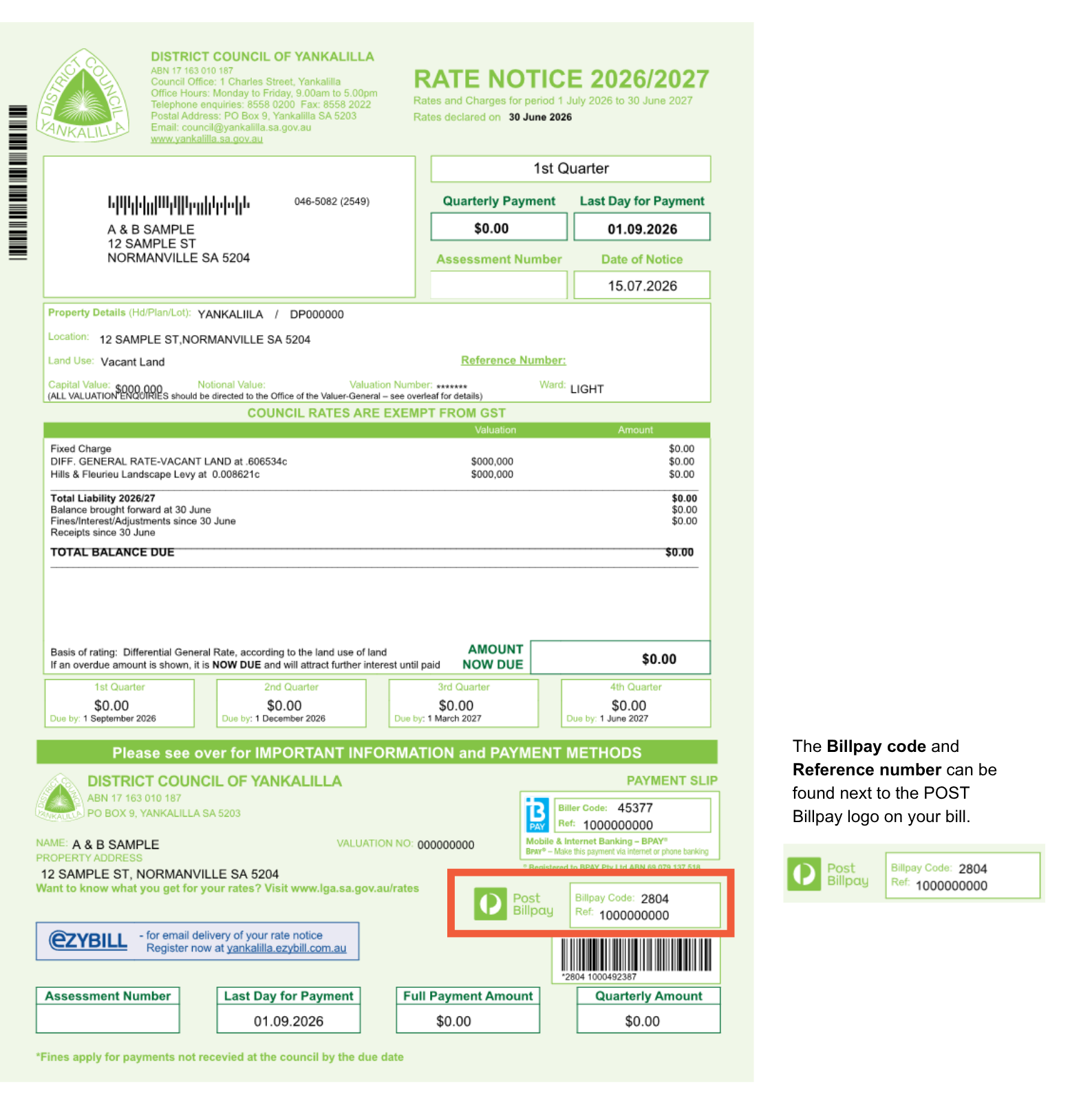
- Billpay code: 2804
- Your Billpay reference number
Please note: Your Billpay code and Reference number can be found next to the POST Billpay logo on your bill (see below for an example).